
Your Website's Experience
Is Your Search Strategy
Google pays close attention to how visitors interact with your site. Page speed, mobile usability, layout stability — these aren't just technical checkboxes. They directly shape where you appear in search results. We translate all of it into plain language.
We Make the Technical Understandable
Most site owners know they should care about page speed and mobile usability. Far fewer understand exactly why, or what to do about it. Mosede Simebo bridges that gap. We take the technical language of search ranking factors and rewrite it in terms that make sense for real people running real websites.
No jargon. No assumption that you have a developer on call. Just clear explanations of what Google is actually measuring when it evaluates your site's user experience, and what those measurements mean for your visibility.
How We Think
Complex ideas, clear language
What Google Actually Measures
Search engines use a set of user experience signals to evaluate how well your site serves visitors. Here are the four areas that matter most.

Page Speed & Core Web Vitals
Google's Core Web Vitals are three specific measurements of how fast and smooth your pages feel to real visitors. Largest Contentful Paint measures loading speed. Cumulative Layout Shift measures visual stability. Interaction to Next Paint measures responsiveness. Together, they form a picture of your site's real-world performance.
Learn what these meanMobile Usability
Google indexes the mobile version of your site first. If buttons are too small to tap or text requires zooming, those issues affect your rankings directly.
ExploreHTTPS & Security
A secure connection isn't just good practice. It's a ranking signal. Sites without HTTPS display browser warnings that drive visitors away before they even see your content.
ExploreIntrusive Interstitials
Popups that cover your main content on mobile can hurt your rankings. Understanding which overlays are acceptable and which ones cross the line matters more than most people realize.
ExploreSafe Browsing
Google actively checks whether your site contains malware or deceptive content. A single flag in Google Search Console can dramatically reduce your traffic overnight.
ExploreUnderstand Each Signal
Why Page Speed Is a Ranking Signal
Search engines want to send their users to pages that load quickly. A page that takes more than three seconds to display meaningful content frustrates visitors. Many of them leave before seeing anything. Google tracks this behavior through its Chrome User Experience Report, which collects real loading data from actual Chrome users across the web.
The key metric here is Largest Contentful Paint (LCP). It measures how long it takes for the biggest visible element on your page to fully appear. For most pages, that's a hero image or a large heading. An LCP under 2.5 seconds is considered good. Between 2.5 and 4 seconds needs improvement. Anything above 4 seconds is flagged as poor.
What causes slow LCP? Unoptimized images are the most common culprit. Large JavaScript files that block rendering come second. Slow server response times follow closely behind. Each of these has straightforward solutions that don't require deep technical expertise to understand.

Mobile-First Indexing: What It Actually Means
Since 2019, Google has used the mobile version of your website as the primary version it indexes and ranks. This is called mobile-first indexing. It means that if your mobile site has less content than your desktop site, Google only sees the mobile version. The desktop version becomes secondary.
Common mobile usability problems include text that's too small to read without zooming, touch targets like buttons and links that are too close together, content wider than the screen causing horizontal scrolling, and videos or elements that don't resize properly on small screens.
Google's Search Console has a dedicated Mobile Usability report that flags these specific issues. Understanding what each error means helps you have more productive conversations with whoever manages your site.

Layout Shift: The Frustrating Experience You Might Not Notice
Cumulative Layout Shift (CLS) measures how much your page's content moves around while it loads. You've experienced this: you're about to tap a link and suddenly an ad loads above it, pushing everything down, and you tap something you didn't mean to. That movement is a layout shift.
Google measures CLS on a scale from 0 to any positive number. A score below 0.1 is good. Between 0.1 and 0.25 needs work. Above 0.25 is considered poor. The most common causes are images without defined dimensions, ads that expand after load, and web fonts that cause text to reflow when they finish loading.
Fixing layout shift often involves simple changes like adding width and height attributes to images, or reserving space for ad slots before content loads. These are changes any developer can make once they understand what's causing the problem.
How Visitor Behavior Signals Quality
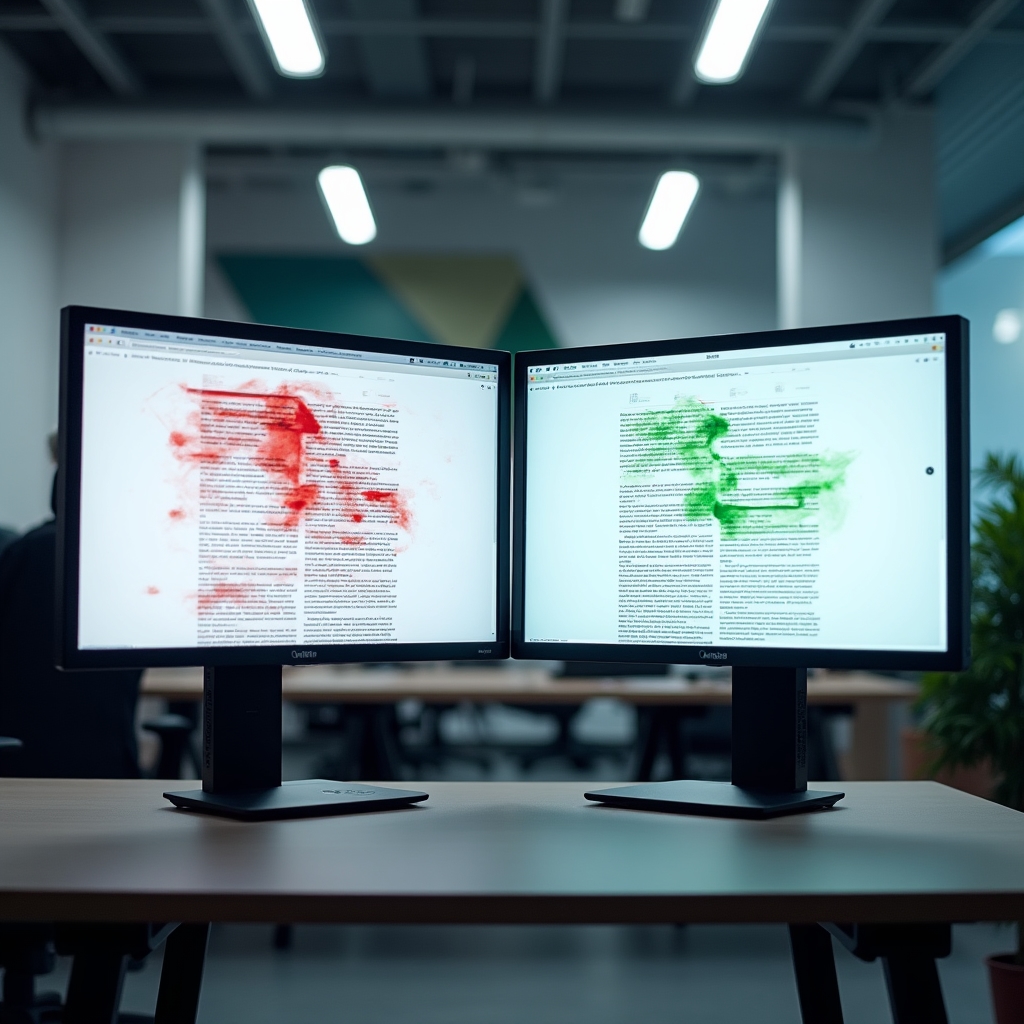
Google doesn't only use technical measurements. It also pays attention to behavioral signals that suggest whether visitors found your page useful. When someone searches for something, clicks your result, and immediately returns to the search results page, that's called a pogo-stick. It signals that your page didn't satisfy their need.
Dwell time, the amount of time someone spends on your page before returning to search results, gives Google a sense of whether your content delivered value. Pages where visitors spend more time tend to rank better for competitive terms over time.
Click-through rate from search results also matters. If your page appears in search results but rarely gets clicked, Google interprets that as a signal that your title and description aren't compelling or relevant. Understanding these behavioral signals helps you think about your content from the visitor's perspective, not just the search engine's.

Ready to Understand Your Site's UX Signals?
Explore our educational resources or reach out with a specific question. We're here to make the technical side of search clear.
Mistakes That Quietly Hurt Rankings
These issues appear on more sites than you'd expect. Most owners don't know they exist until rankings drop.
Images Without Dimensions
When images don't have width and height attributes set in the HTML, the browser doesn't know how much space to reserve. Content shifts as images load, creating a poor CLS score.
Render-Blocking Resources
JavaScript and CSS files loaded in the wrong order can prevent your page from displaying anything until they finish loading. Visitors see a blank screen. Bounce rates climb.
Unoptimized Images
A photograph uploaded directly from a camera can be several megabytes. The same image properly optimized might be under 100 kilobytes. That difference directly impacts your LCP score.
Missing Viewport Meta Tag
Without the viewport meta tag, mobile browsers render your page at desktop width and then scale it down. Everything appears tiny. This single missing line causes significant mobile usability failures.